

Done properly.
I help businesses migrate from WooCommerce to Shopify without losing SEO, breaking data, or disrupting how the store performs.
Moving from WordPress WooCommerce to Shopify usually comes after a period of frustration. What starts as a flexible, cost-effective setup gradually becomes harder to manage: more plugins, more updates, more things breaking, and more time spent fixing issues instead of growing the business. For a lot of teams, it reaches a point where even simple changes feel slower than they should be.
That's when Shopify starts to make sense. The challenge isn't deciding to move. It's doing it without losing what you've already built. I handle WooCommerce to Shopify migrations in a way that protects your data, preserves your SEO, and leaves you with a store that's faster, cleaner, and easier to run.
Why Most Migrations Go Wrong
It's often treated like a technical task.
Export the product data from WooCommerce. Import it into Shopify. Job done.
But that approach misses everything that actually matters.
- URLs change without 301 redirects in place.
- Data comes across inconsistently.
- Products categories get lost or restructured badly.
- SEO is ignored until it's too late.
That's when traffic drops and problems start to show.

What Is WooCommerce to Shopify Migration?
A WooCommerce migration to Shopify is the process of moving your store's data, structure, and functionality across platforms in a way that preserves SEO, maintains data integrity, and improves performance.
This includes the WooCommerce import of products, customer data, customer order history, and site structure, while rebuilding the store to take full advantage of Shopify's strengths. It also means reviewing the functionality you have in WooCommerce and deciding what to carry forward, replace, or improve.
The goal is not just to move platforms, but to create a faster, more reliable store that's easier to manage and scale.
What I Actually Do
This isn't a straight transfer.
I rebuild your store on Shopify in a way that improves it, while keeping what already works intact.
This guide covers everything from your pre-migration checklist through to post-migration tasks, so nothing gets missed.
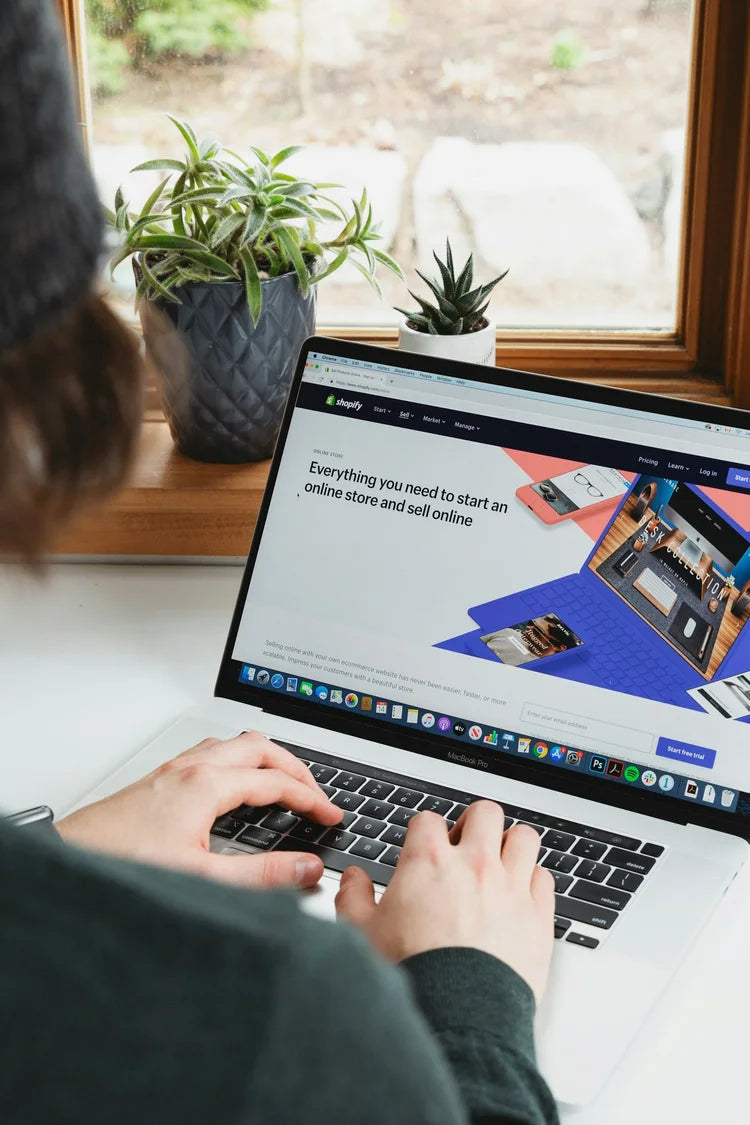
Data Migration
All product data from WooCommerce, including variants, product categories, customer data, and order history, moved cleanly and accurately. I use a structured WooCommerce import process to ensure everything lands in the right place on Shopify, without duplication or data loss.

SEO Protection
301 redirects mapped properly across every key URL. Whether your WordPress site had dozens or thousands of pages, I make sure the redirect mapping is complete before launch, not as an afterthought.
Structure & UX
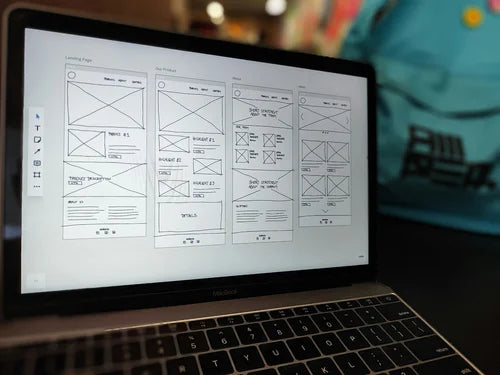
Collections, navigation, and layout improved, not just copied. Product categories are restructured to match how Shopify works best, rather than simply mirroring the old setup.

Shopify Setup
A lean setup using the right tools, without unnecessary complexity. Payment gateways configured and tested. A clean environment built for performance from day one.

Ongoing Support
Support after launch to improve, fix, and optimise your store. Post migration is when the real refinements happen, and I stay available to help you through that phase.

Performance
Faster load times. Cleaner build. Better overall experience.

The Migration Checklist
A proper WooCommerce migration checklist covers more than most people expect. Before anything moves, I review with you:
- All product data from WooCommerce, including product variants and categories
- Customer data, including accounts and purchase history
- Order history, so nothing is lost in the transition
- Payment gateways, to ensure continuity at checkout
- 301 redirects, mapped from old WordPress WooCommerce URLs to new Shopify equivalents
- Any WooCommerce plugins or custom functionality that need to be replicated on Shopify
Getting this right at the planning stage is what prevents problems after launch.
What moves across, and what doesn't
- Products, variants and images come across in full, with categories mapped to Shopify collections.
- Customers move across, but passwords can't, so customers are invited to activate their new accounts.
- Historical orders can't go through Shopify's standard CSV importer, so they're brought across with a migration app and checked in the Shopify admin.
- Blog posts are moved and redirected, so the content you've built up keeps working for you.
- Product reviews are exported and imported into your Shopify review app, so they stay on the right products.
- Your WooCommerce theme doesn't transfer. The store is rebuilt on a Shopify theme, which is the chance to fix what wasn't working.
The export and import tools depend on the size of the store: the CSV importer and clean CSV files for a simple catalogue, a migration app when there's a lot of data. Either way, every part of the store migration is checked before launch, not after.
Process
The migration process is straightforward. No overcomplication.
Plan → Build → Migrate → Launch
Plan
Review your current store. Build out the migration checklist. Identify risks and opportunities.
Build
Create the Shopify store properly, based on how it should work, not how it currently does.
Migrate
Import data from WooCommerce in a structured, controlled way. Product categories, customer data and order history are all verified before go-live.
Launch
Go live cleanly, with everything tested and working. 301 redirects active. Payment gateways confirmed. Post migration checks complete.

What You Avoid
When a migration is handled properly, you avoid the usual issues:
- Lost rankings from missing 301 redirects
- Broken links across WordPress sites
- Missing or incorrect product data from WooCommerce
- Incomplete customer data or order history
- Disruption to customers at checkout due to misconfigured payment gateways
These aren't edge cases. They're common, and preventable.

When Shopify Makes Sense
Not every store needs to move. But Shopify is usually the better option if you're dealing with:
- Ongoing plugin and maintenance issues on WordPress WooCommerce
- Slower performance across your WordPress sites
- A backend that's difficult to manage
- Plans to grow or scale

The Outcome
You end up with a store that's faster, easier to manage, more stable, and better structured for growth. Your product categories are clean, your customer data is intact, your order history is preserved, and your 301 redirects are working. That's the point of the move.
Let’s Talk
If you're considering moving from WooCommerce to Shopify, I'll give you a clear view of whether it makes sense, and what's involved.
No overcomplication. Just a proper answer.
FAQs
Common questions about WooCommerce to Shopify migration
Another question? office@pinkdigital.co.ukWill I lose my Google rankings when I move from WooCommerce to Shopify?
Not if the migration is planned properly. Some movement is normal for a few weeks after any platform change, but lasting drops usually come from missing 301 redirects or lost content. I map redirects for every key URL and carry content across before launch, not afterwards.
Will my URLs change?
Usually, yes. Shopify uses a fixed URL structure, with /products/, /collections/, /pages/ and /blogs/. That is why complete 301 redirect mapping from your WooCommerce URLs is one of the most important parts of the move.
Can you migrate customers and order history?
Yes. Products, variants, categories, customer accounts and order history are all moved and checked before go-live. Customer passwords cannot be carried across between platforms, so customers are invited to activate their account on Shopify, and I plan that message with you.
What happens to my WordPress plugins?
I review every plugin and custom feature with you. Some are replaced by Shopify features or apps, some need a small custom build, and some are simply no longer needed. The aim is a leaner store with less to maintain.
Can I keep my domain name?
Yes. Your domain is connected to Shopify at launch. If your email is hosted with your WordPress hosting company, I help you plan where it will live before the switch so nothing is interrupted.
How long does a WooCommerce to Shopify migration take?
It depends on the size of the catalogue, the amount of data and how much needs rebuilding or improving. Once I have reviewed your store I will give you a clear timeline, with time for testing built in before launch.
Selected work
Case studies
I document selected projects here: the commercial challenges, the decisions made, what was built, and what improved as a result.
See all case studies-

Shopify · Rebuild & SEO
Tights Tights Tights: Rebuilding a Specialist Hosiery Retailer on Shopify
Rebuilding a 25-year-old UK hosiery retailer on Shopify after a migration caused a lasting fall in organic traffic.
-

WooCommerce → Shopify
Tara's Wonderworld: Migrating a Growing Party Brand from WooCommerce to Shopify
Migrating a growing party brand with 1,000+ products and around 4,000 redirects, while protecting search rankings.
-

Shopify · Rebuild
Ghuttie Snacks: rebuilding a Shopify store properly, the second time round
Rebuilding a Shopify store properly the second time round: product information, FAQs, internal links and the storefront.
When you're ready
If you want agency theatre,
there are plenty of options.
If you want something built around your business and your goals, let’s talk. No hard sell, just straight answers.
Call 07815 743 072